
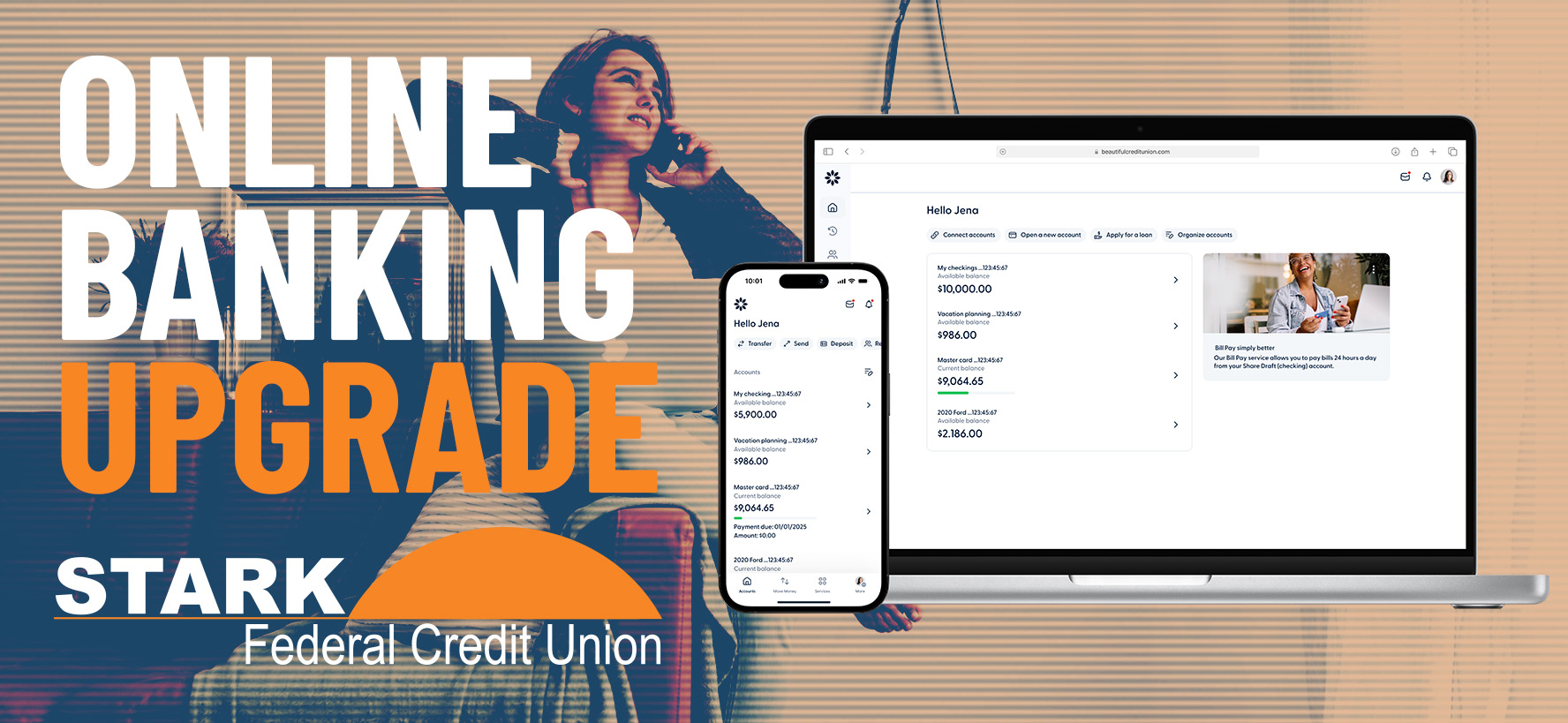
Q: How do I sign up for the new Online Banking?
A: Starting at 10:00 AM ET on September 16, please click the “Sign in” button on the SFCU website.
What you need to do:
1. Log in using your current online banking username & password.
2. Follow the on-screen instructions to complete the migration process.
○ You’ll be asked to confirm your identity using a verification code sent to the
email address or phone number we have registered.
3. If your username (also known as your @You) is available in the new system, you can
keep it.
○ You will be prompted to create a new password and review/update basic profile
information.
Q: I received a message saying my @You (username) is already taken.
A: The new online banking platform uses a unique @You username for every user. If the username you selected is already in use, please choose a different variation or modify it slightly so it's unique to you.
Q: I received a message saying "Account Number Already Associated."
A: Only one member can be the primary user on an account. If you are a joint owner and would like your own separate login, please contact SFCU at 330.493.8325 for assistance.
Q: What happens to my automatic transfers?
A: If you previously set up automatic transfers between your SFCU accounts, those transfers were migrated automatically. You do not need to re-enter them. We recommend reviewing them after logging in to ensure everything looks correct.
Q: Can I set up account alerts?
A: Yes! Once logged in:
Select the account you want to manage.
Click "Account Options" from the dropdown menu.
Select "Account Alerts".
From there, you can create, edit, or delete alerts based on your preferences.
Q: How do I transfer funds to another member at SFCU?
A: After logging in:
Go to "Move Money"
Select "Send Money"
Follow the prompts to add a recipient and complete the transfer.
Q: Can I hide accounts or change the order they appear?
A: Yes. From the main page after logging in:
Select "Organize Accounts"
Use the toggle to hide or show accounts. Drag and drop accounts to display them in your preferred order.
Q: My mobile app isn't working. What should I do?
A:
iPhone users: Download the new update of the SFCU app from the App Store.
Android users: Download the new update of the SFCU app from Google Play.
Q: Will my bill payments still work?
A: Yes. Your scheduled bill payments will continue to process as expected. We recommend logging in to review your payments and confirm that dates and amounts are correct.
Please feel free to call us at 330.493.8325 with any questions.


Lost or stolen VISA card: 833-541-0770 | Lost or stolen Debit card: 800-472-3272 | Debit card activation or PIN change: 800-992-3808
Dressler Branch
4100 Dressler Rd. NW
Canton, OH 44718
Office: 330.493.8325
Fax: 330.493.8328
Loan Dept.: 330.493.7602
Loan Dept. Fax: 330.493.1619
Cleveland Ave. Branch
3426 Cleveland Ave. NW
Canton, OH 44709
Office: 330.493.8326
Fax: 330-493-8940
Alliance Branch
1281 S. Sawburg Ave.
Alliance, OH 44601
Office: 330.821.7225
Fax: 330.821.2004
Minerva Area Federal CU Shared Branch
(Cash and deposits only)
3570 Union Ave. SE
Minerva, OH 44657
Routing Number
241274598