

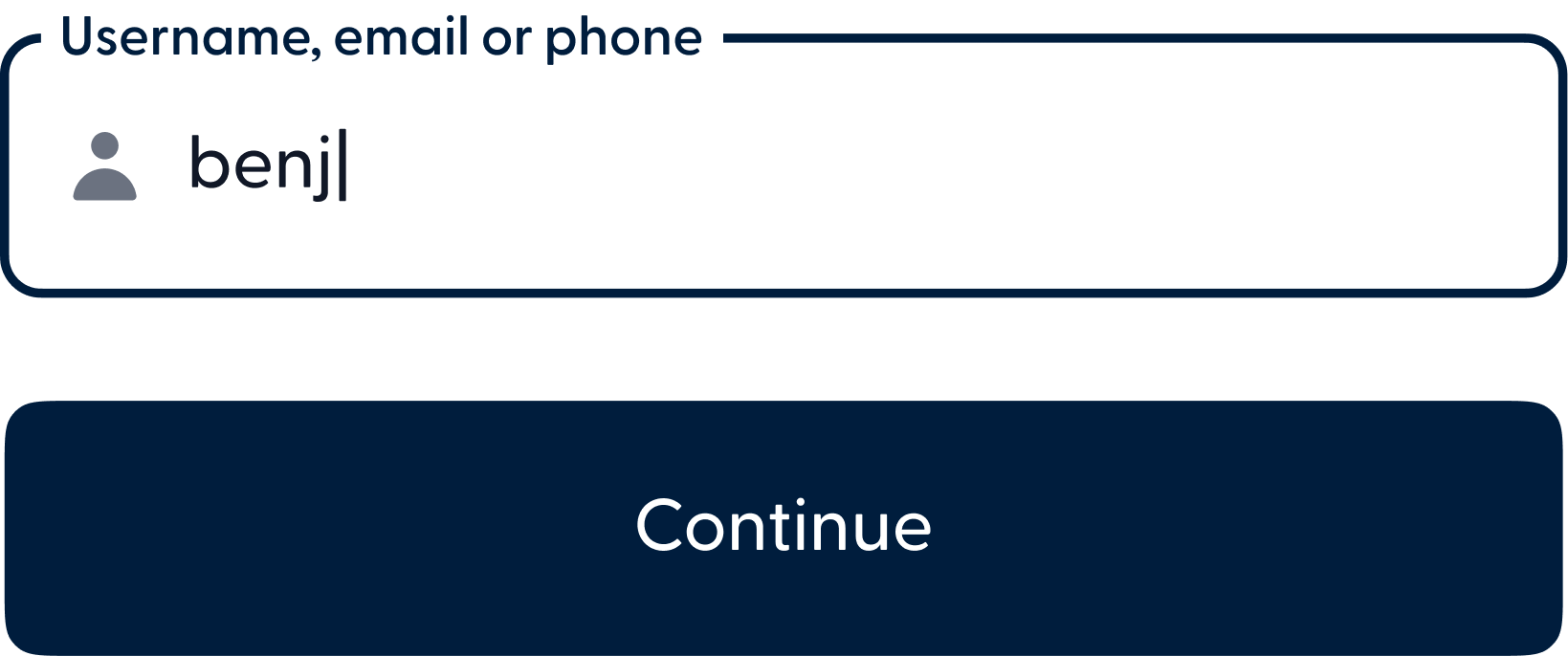
Sign In
Sign in with the username (secure login ID) and password you have been using to access our current online banking system until now. Note: If you currently log in with your member account number, you will need to switch over to using your username. If you forget your username, please select the 'Forgot username?' option on the login screen. It will be emailed to the email we have on file.
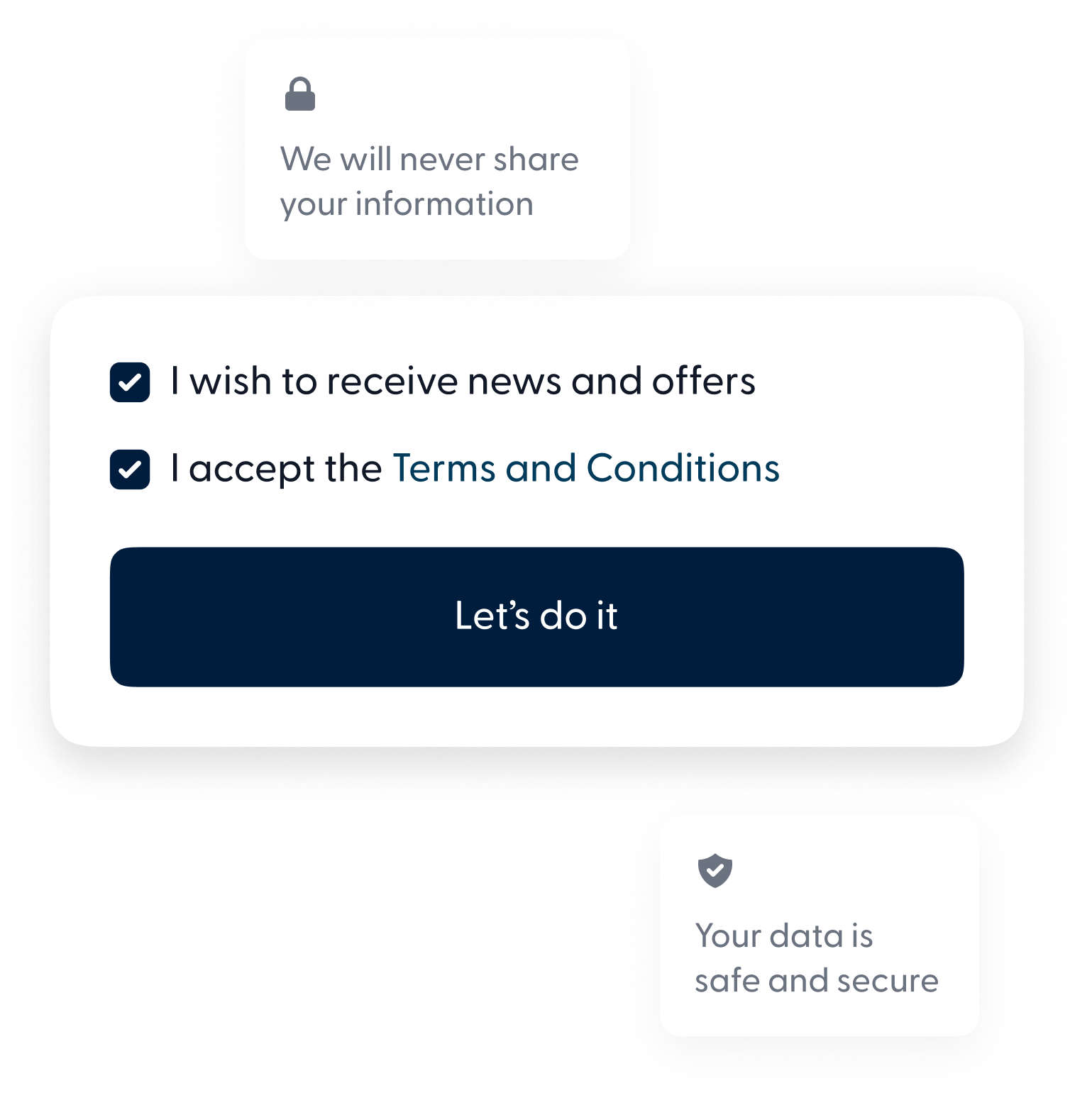
Terms & Conditions
Since it's your first time on our new digital platform, you'll need to agree to our updated Terms & Conditions to continue. Once you've read through them and are ready to proceed, check the box next to "I accept..."
You can also check the other box if you want to receive news and offers from us. Once you are ready, click "Let's do it" to continue.
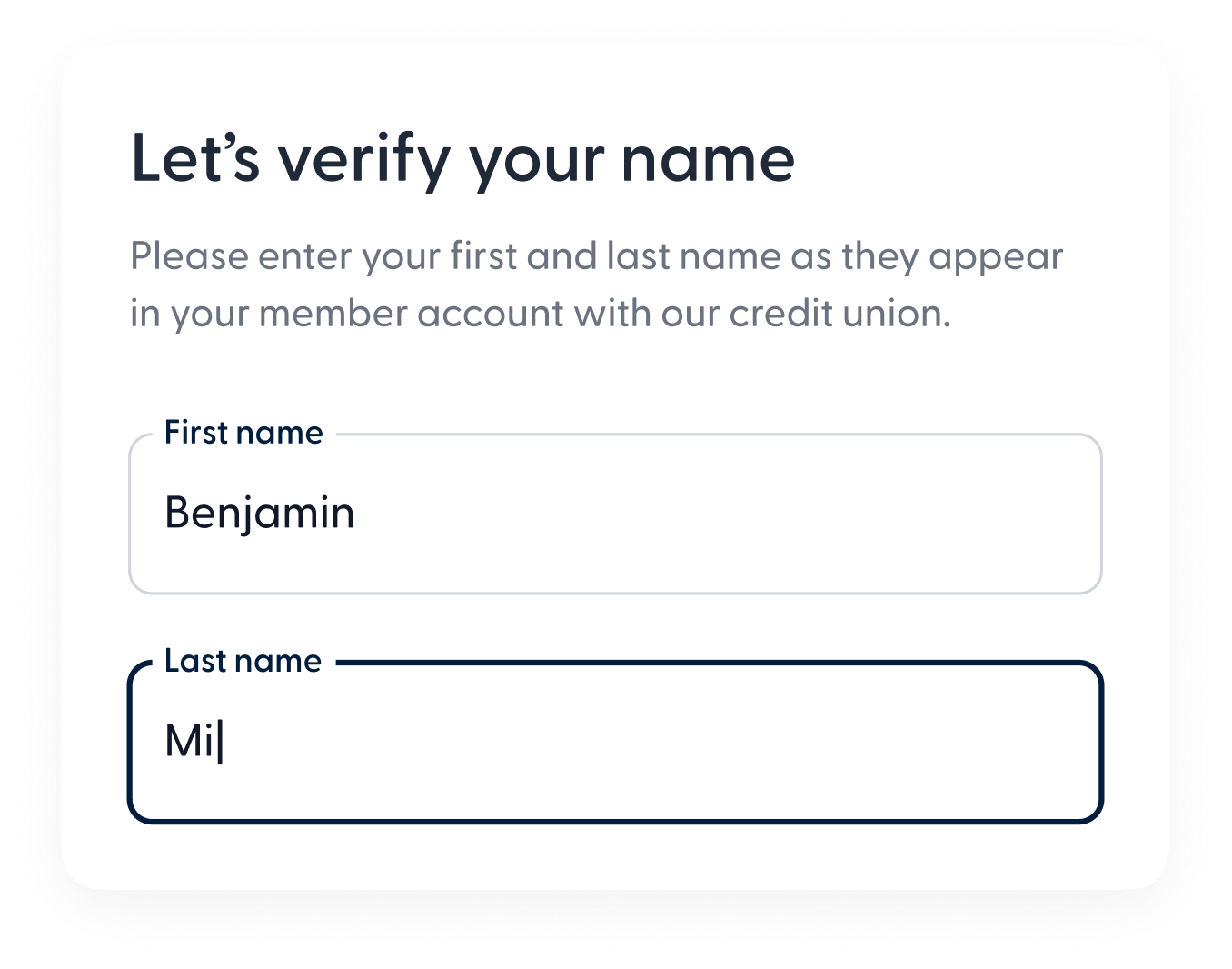
Verify your name
Enter your first and last name as they appear in your member account with our credit union. This step is to confirm your information and ensure everything on file is correct.
Update your username
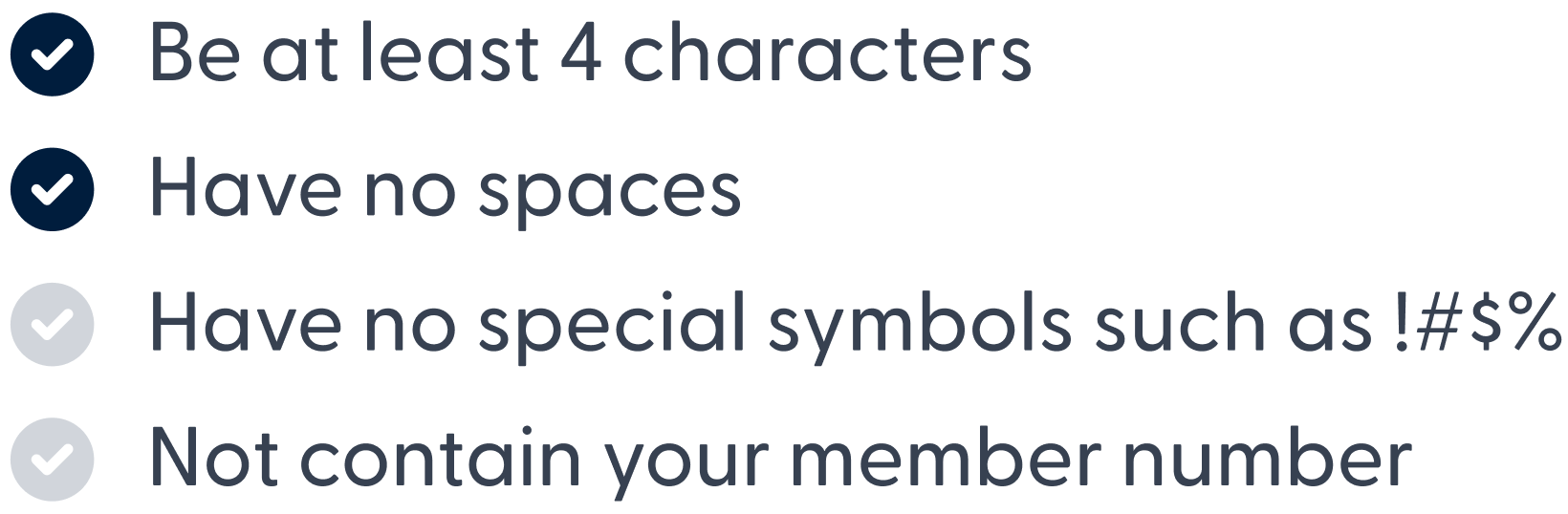
Now it's time to update or create your username. This will become your new and secure handle we call your "@you." Our goal is for you to easily update your details while ensuring we keep your information safe and private.
The check marks will fill in when you meet the username requirements. If any are grayed out, it means that particular condition hasn't been met.
Update your password
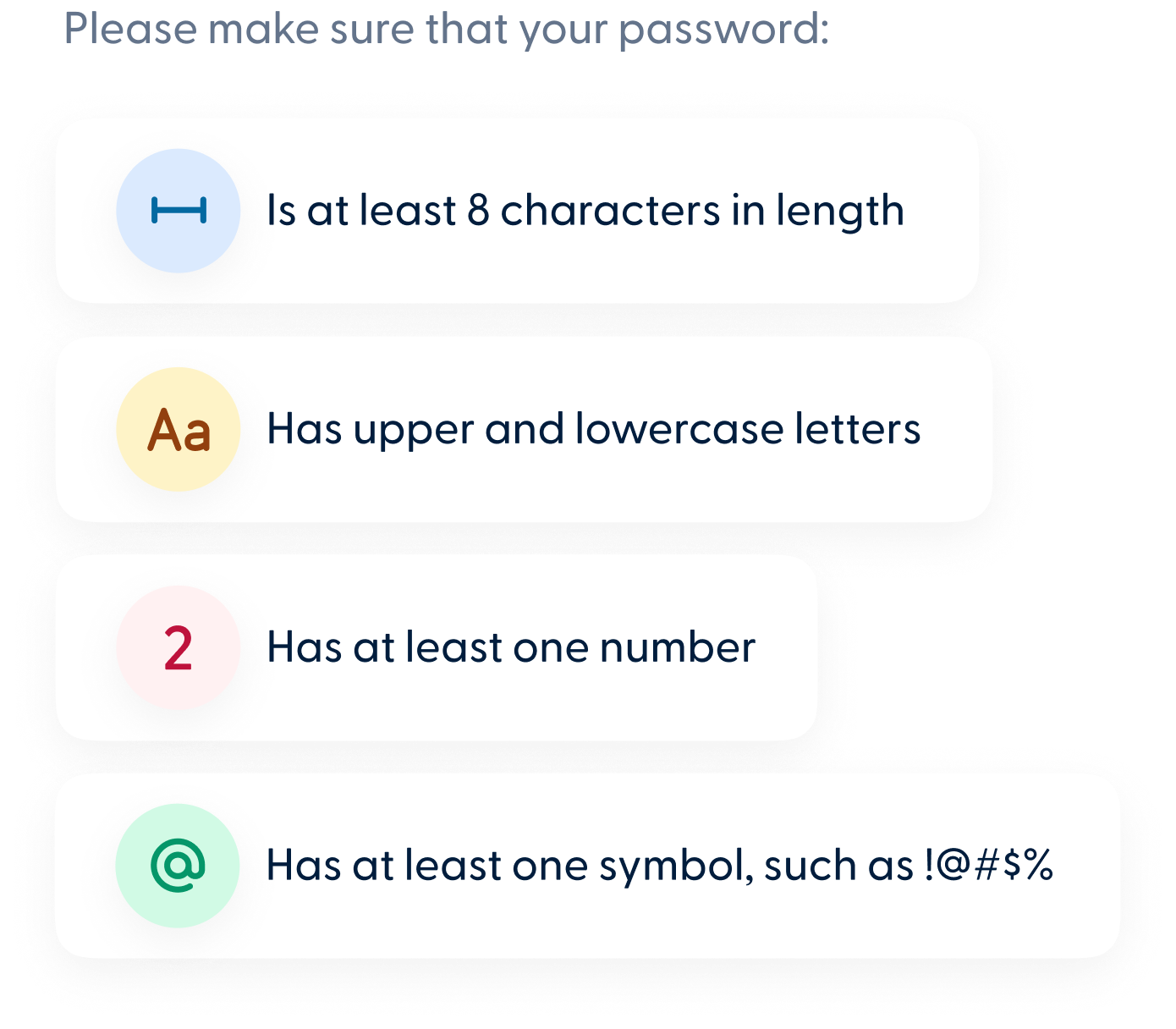
Next you'll need to update your password. You will only be asked to do this if your current password doesn't meet our security requirements. Your new password should be easy to remember and fulfill the criteria in the checklist shown on the screen.
Update your email address
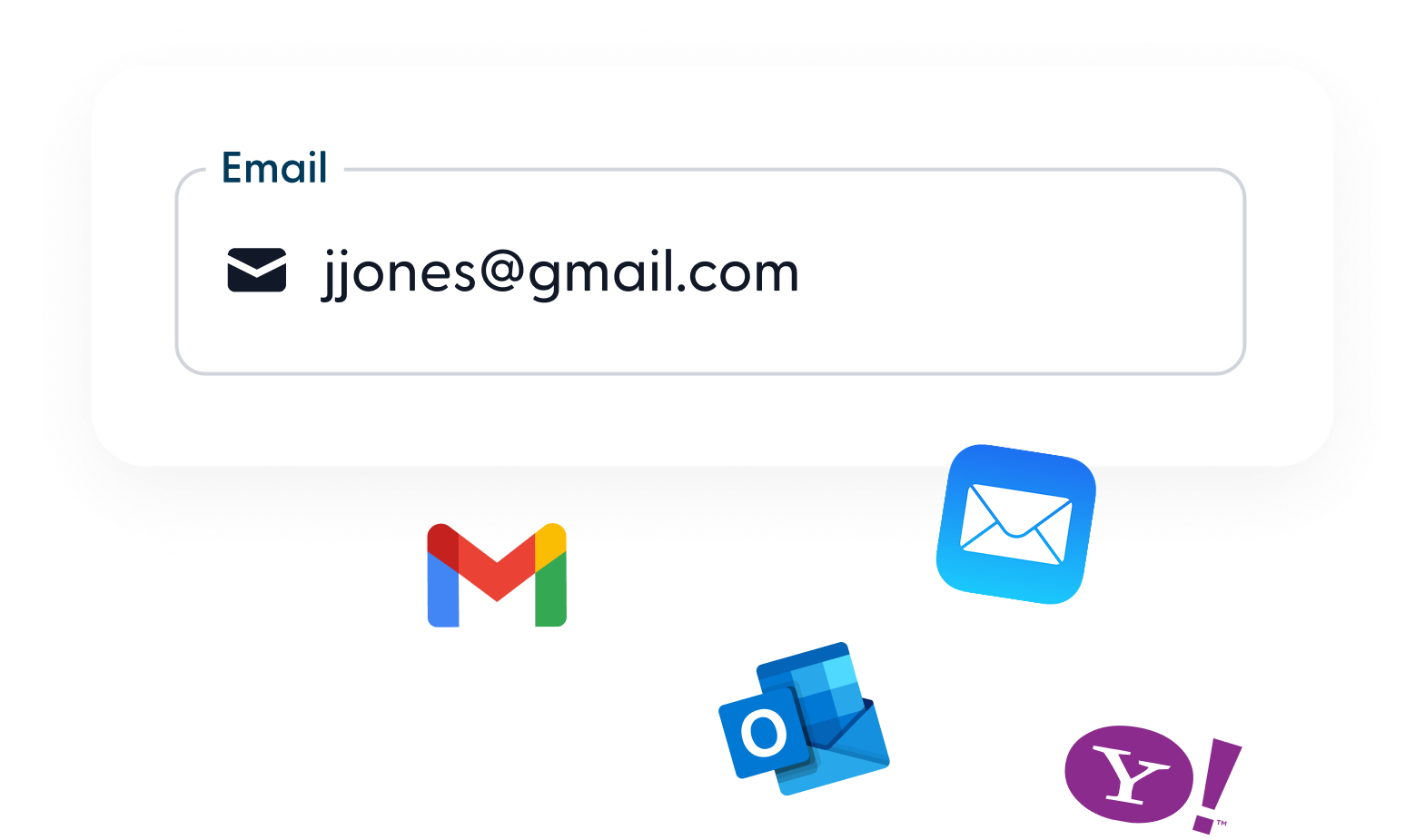
Now it's time to update your email address. We need your preferred email address so we can send you alerts and notifications about any activity in your account. Make sure to choose one you have access to, as we'll be sending you a verification email next.
Enter verification number
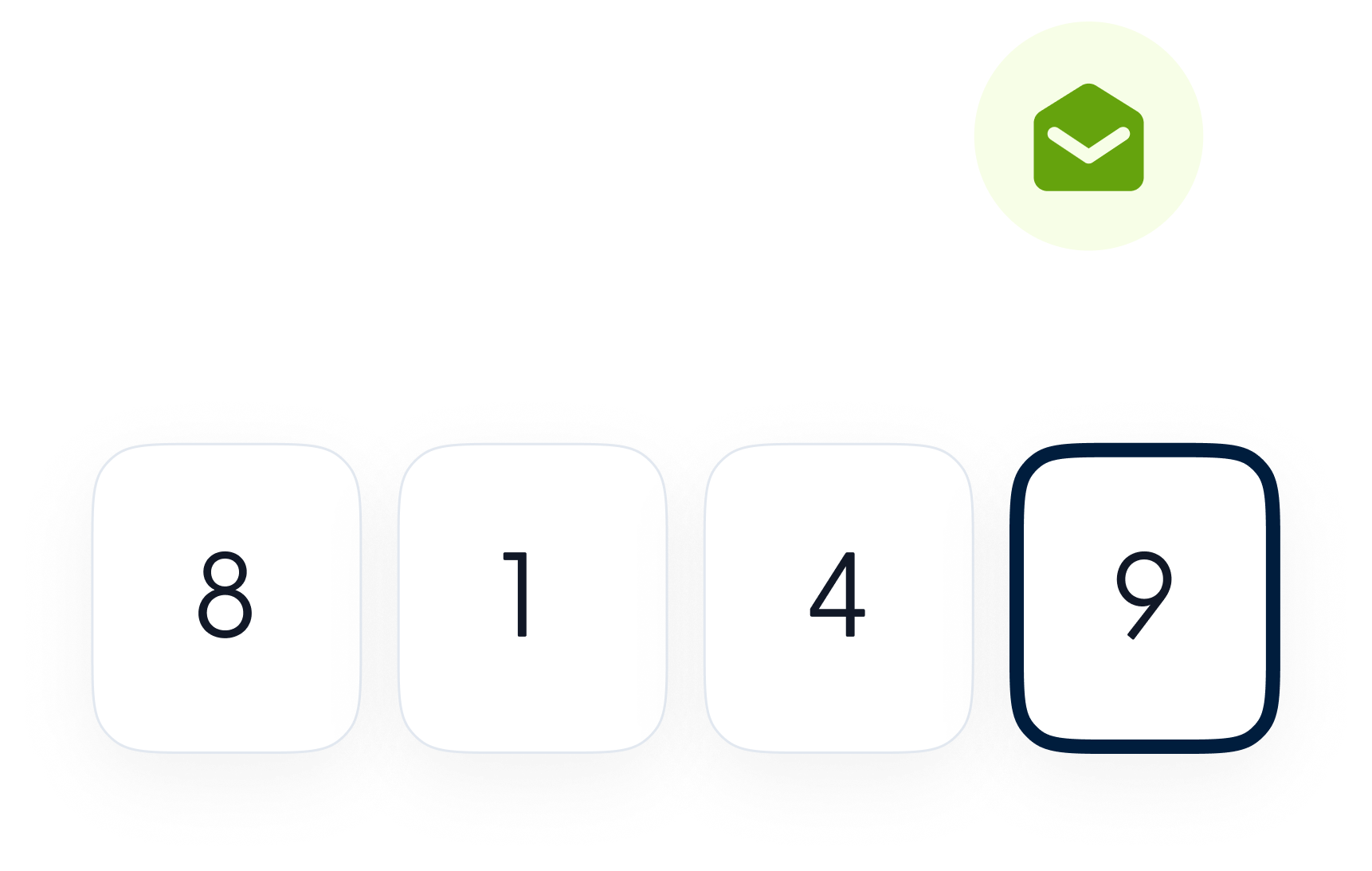
Our system will send a message with a 6-digit verification code to the email address you currently have registered with us. Please note that this may go to your spam folder.
Once you’ve received the message, paste or type the code into the field shown in the image to continue.
If you don’t receive a code within 30 seconds, click “resend code” to get another. If any issues persist, feel free to give us a call.
Add profile picture (optional)
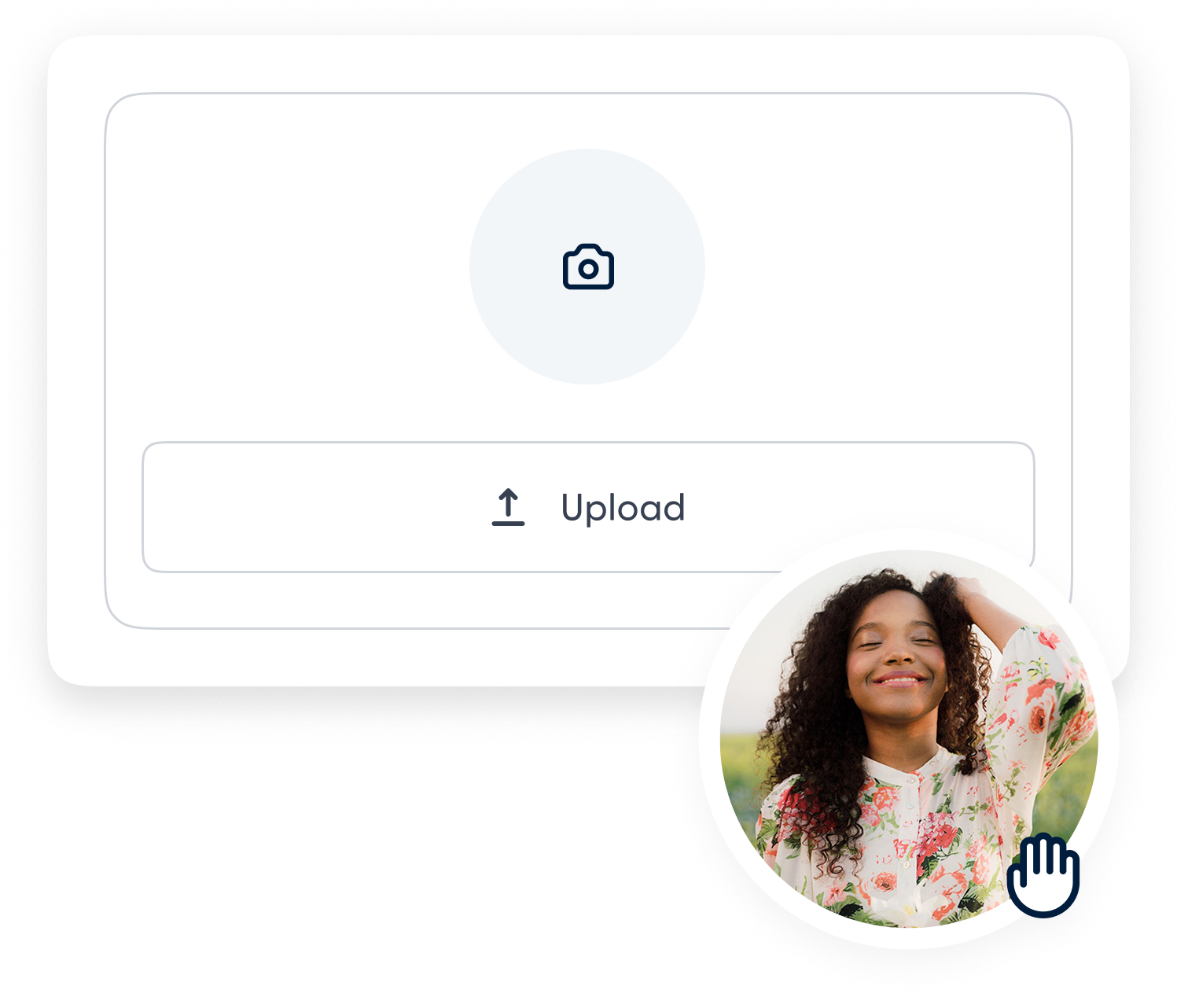
Here you can add a profile picture. Although this is optional, adding a picture helps you and others ensure that money is transferred to and from the right place. Simply click the upload button and choose a picture from your device to add it.
Once you’ve completed the above steps, your migration will be complete. We appreciate your patience through this process. Please feel free to call us at 330.493.8325 with any questions.

Lost or stolen VISA card: 833-541-0770 | Lost or stolen Debit card: 800-472-3272 | Debit card activation or PIN change: 800-992-3808
Dressler Branch
4100 Dressler Rd. NW
Canton, OH 44718
Office: 330.493.8325
Fax: 330.493.8328
Loan Dept.: 330.493.7602
Loan Dept. Fax: 330.493.1619
Cleveland Ave. Branch
3426 Cleveland Ave. NW
Canton, OH 44709
Office: 330.493.8326
Fax: 330-493-8940
Alliance Branch
1281 S. Sawburg Ave.
Alliance, OH 44601
Office: 330.821.7225
Fax: 330.821.2004
Minerva Area Federal CU Shared Branch
(Cash and deposits only)
3570 Union Ave. SE
Minerva, OH 44657
Routing Number
241274598